


CVS Suite helps you manage change, however changes usually occur for a reason. Productivity and many of the other benefits of versioning are a result of not merely tracking change but tracking the relationship between the trigger for the change and the changes themselves. CVS Suite makes it easy to track not just what chaged, but why. Buy now for £85.
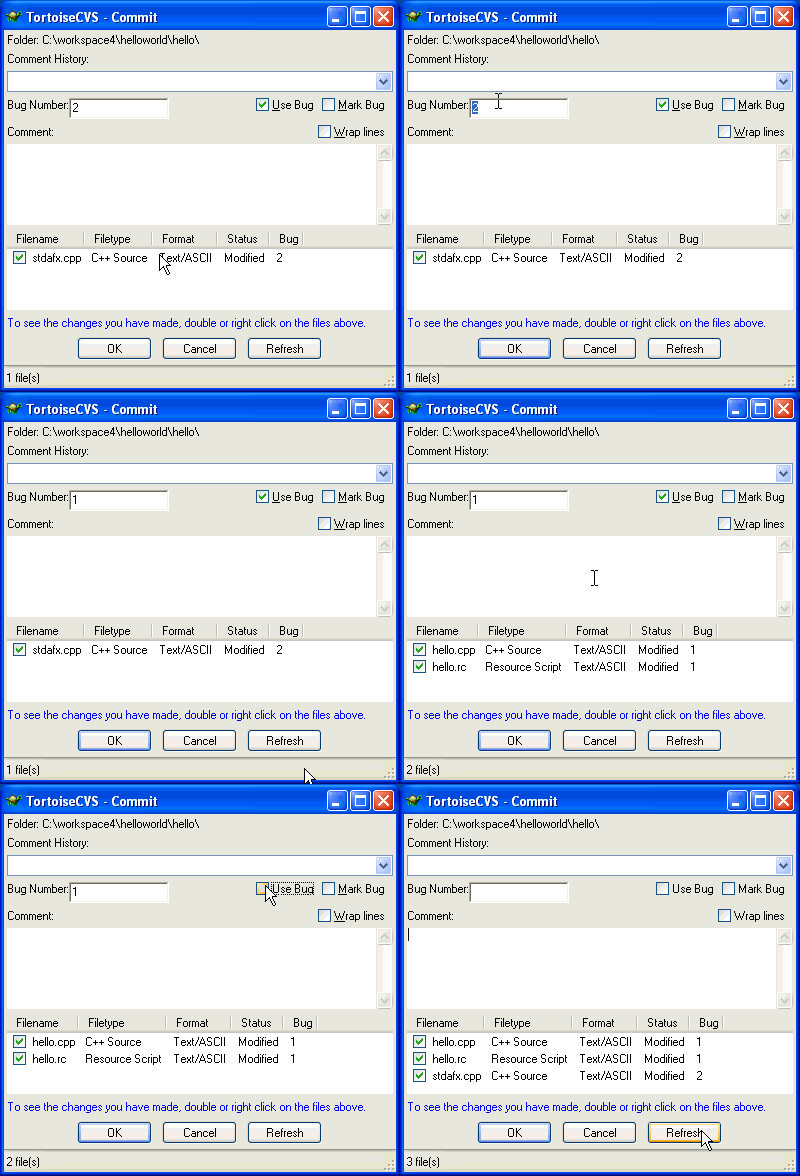
Change Sets.By specifying which job or bug number your changes relate to when you begin work, you can group your changes into change sets. These are then automatically linked to the job or bug number inside Bugzilla, Mantis or Jira.
Change Sets
Change sets allow you do logically group your work by job or bug number. These change sets can then be used to commit finalised work while leaving files for other jobs untouched. Using the Tortoise Commit screen you can easily see which files are associated with which job or bug numbers, and commit only the work you are ready to. Once the commit is complete the CVS Suite Bugzilla integration can automatically record the details of your changes against the job, including the commit message and patch file.
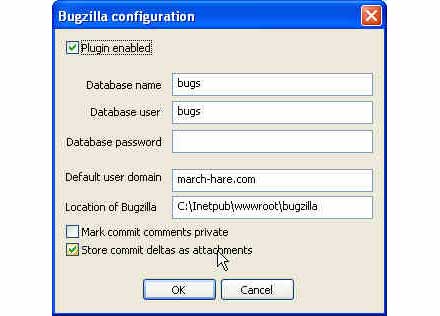
Simple to Set Up. Configuring your CVSNT server to link to the Bugzilla, Mantis or Jira defect tracking system is as simple as a couple of clicks. You can even link each change to a patch stored right inside the defect.
Simple to Set Up
Configuring the integration with Bugzilla on the server is very simple to set up. Enable the plugin and decide how much information you want linked between your CVS Suite versioning system and your Bugzilla, Jira or Mantis defect tracking system. Your server is instantly integrated with the Bugzilla, Mantis or Jira MySQL database (other databases not supported at this time).
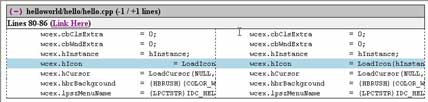
Bugzilla Attachments. By configuring the CVS Suite Defect Tracking Integration to store commit deltas as attachments, you can view patches as diffs right within Bugzilla.
Attachments
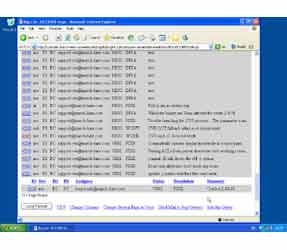
CVSNT Server will always keep a memory of the changes to files that your store in your repository. However you may also want to keep a record of the patches inside the defect tracking system. Bugzilla, Jira and Mantis automatically recognises the CVSNT patches and identifies them in the log. For example: clicking on any patch in Bugzilla shows it in a clear side-by-side format for review by your peers.
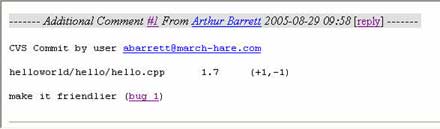
Bugzilla Comments. The same comments that are applied to the change on the workstation are recorded against the bug in Mantis, Jira or Bugzilla. The username comes directly from the authentication mechanism used by the client.
Automatic Comments
CVS Suite Defect Tracking Integration automatically handles the entry of comments into the bug at the server - there is no longer a need to double up on entering the same information into two systems.
Private Comments (Bugzilla only)
Each automatic comment can be automatically marked as private in Bugzilla so external users of your defect tracking system cannot see the developer comments.
Notification (Local Bugzilla Only)
Any Bugzilla user can subscribe to a defect and be automatically notified when updates the bug are made, even automatic updates via CVS Suite Bugzilla Integration.


